One sentence
27 wordsControl My PC turns an Android phone into a trackpad, keyboard, shortcut grid and launcher for a Windows PC, with no account and an encrypted, direct connection.
For journalists, reviewers and creators
Control My PC turns an Android phone into a trackpad, keyboard, shortcut grid and launcher for a Windows PC, with a free companion app on the computer.
Press contact: support@controlmypc.app · Facts checked on 7 November 2026
The short version, for a fact box.
| What it is | A phone remote for your own computer: an Android app (trackpad, keyboard, shortcut Grid, Launcher) and a free Windows companion app that carries out what you do on the phone. |
|---|---|
| Name | Control My PC. On Google Play the Android app is called Control My PC: Remote. |
| Maker | Sebastian Škoić, a solo developer, also known as the tech creator Sebs_Tech. Also the maker of Control My Mac. |
| Country | Slovenia |
| Requirements | Android 8 or later on a phone or tablet; Windows 10 (version 1809 or newer) or Windows 11 on the PC. Bluetooth, or the same Wi-Fi as a Private network. |
| Also works with | A Mac, with the free Control My Mac app (macOS 14 or later). |
| Prices | The Windows app is free. The Android app is free to start with Essentials; Full App comes as Monthly or Yearly (each with a 7-day free trial) or a one-time Lifetime purchase. Prices vary by country; Google Play shows them. No ads. |
| Privacy | No account, no servers, no analytics. Google Play Data safety: No data collected. |
| Languages | The Android app in 25 languages; the Windows app 1.0.0 in 13. |
| Get it | Control My PC: Remote on Google Play · Control My PC in the Microsoft Store |
Use them as they are or cut them down.
Control My PC turns an Android phone into a trackpad, keyboard, shortcut grid and launcher for a Windows PC, with no account and an encrypted, direct connection.
Control My PC turns your Android phone or tablet into a remote for your Windows PC: a precision trackpad, a live or draft keyboard, a Grid of one-tap shortcut buttons that switches with the app in front, and a Launcher for your open apps and windows. Install the free PC app from the Microsoft Store, scan its QR code, and you’re connected over Bluetooth or Wi-Fi, encrypted. No account, no ads, no servers.
Control My PC is an Android and Windows app made by solo developer Sebastian Škoić in Slovenia, the maker of Control My Mac. The Android app, Control My PC: Remote on Google Play, is a trackpad, keyboard, shortcut Grid and Launcher for your computer, built for one hand. The free Windows app from the Microsoft Store sits in the system tray and carries out what you do on the phone. The two connect over Bluetooth, or Wi-Fi when Bluetooth isn’t there, encrypted and device to device. There is no account and no server, and Google Play’s Data safety section says No data collected. The Android app is free to start; Full App adds scrolling, app grids, the full Launcher and more.
Please write the name as Control My PC. Windows doesn’t let any app control administrator windows or the lock screen.
Tap an image for the full-size PNG. These are real app screens: the Android app from its Google Play screenshots, the Windows app from its Microsoft Store screenshots.
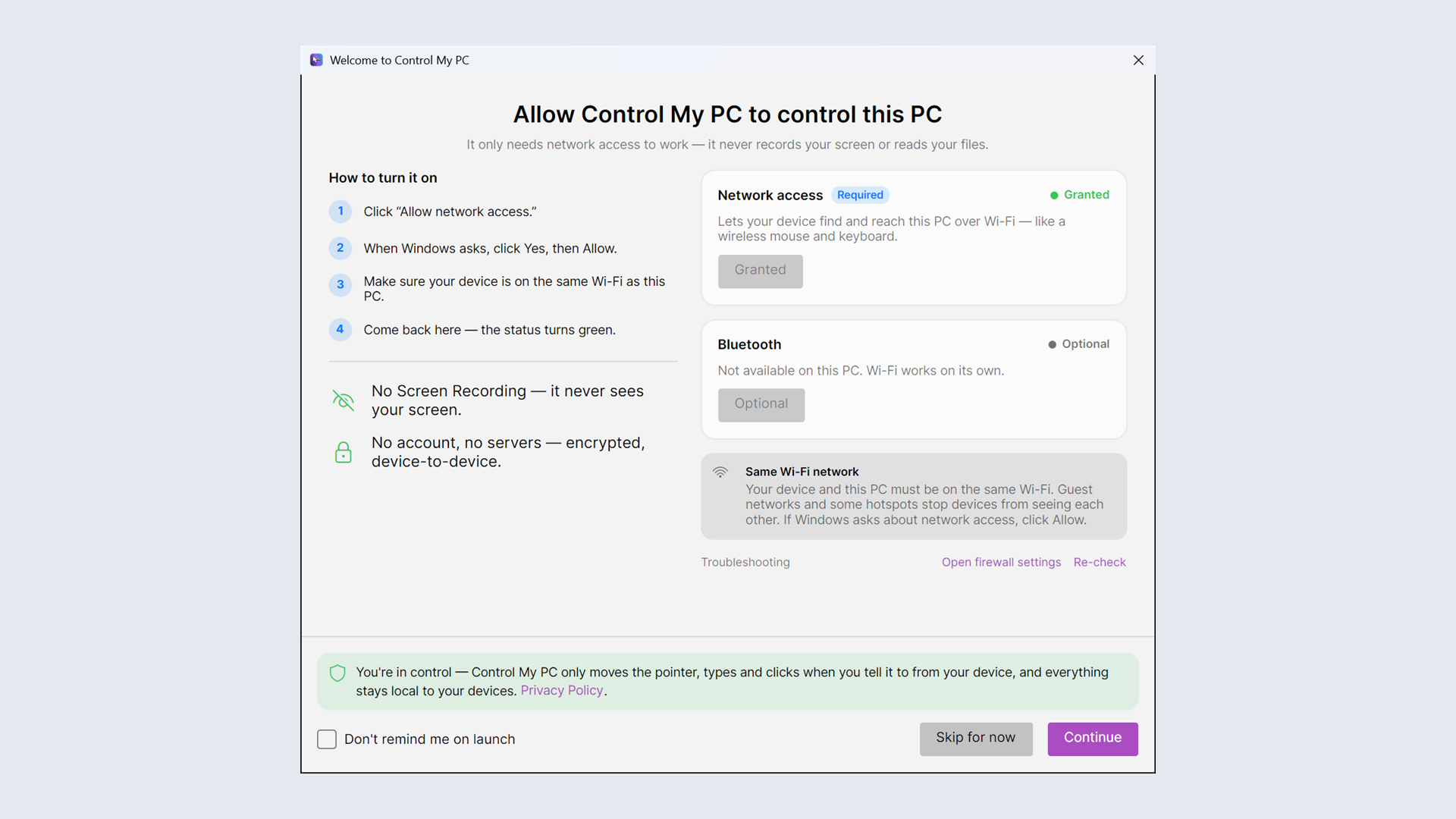
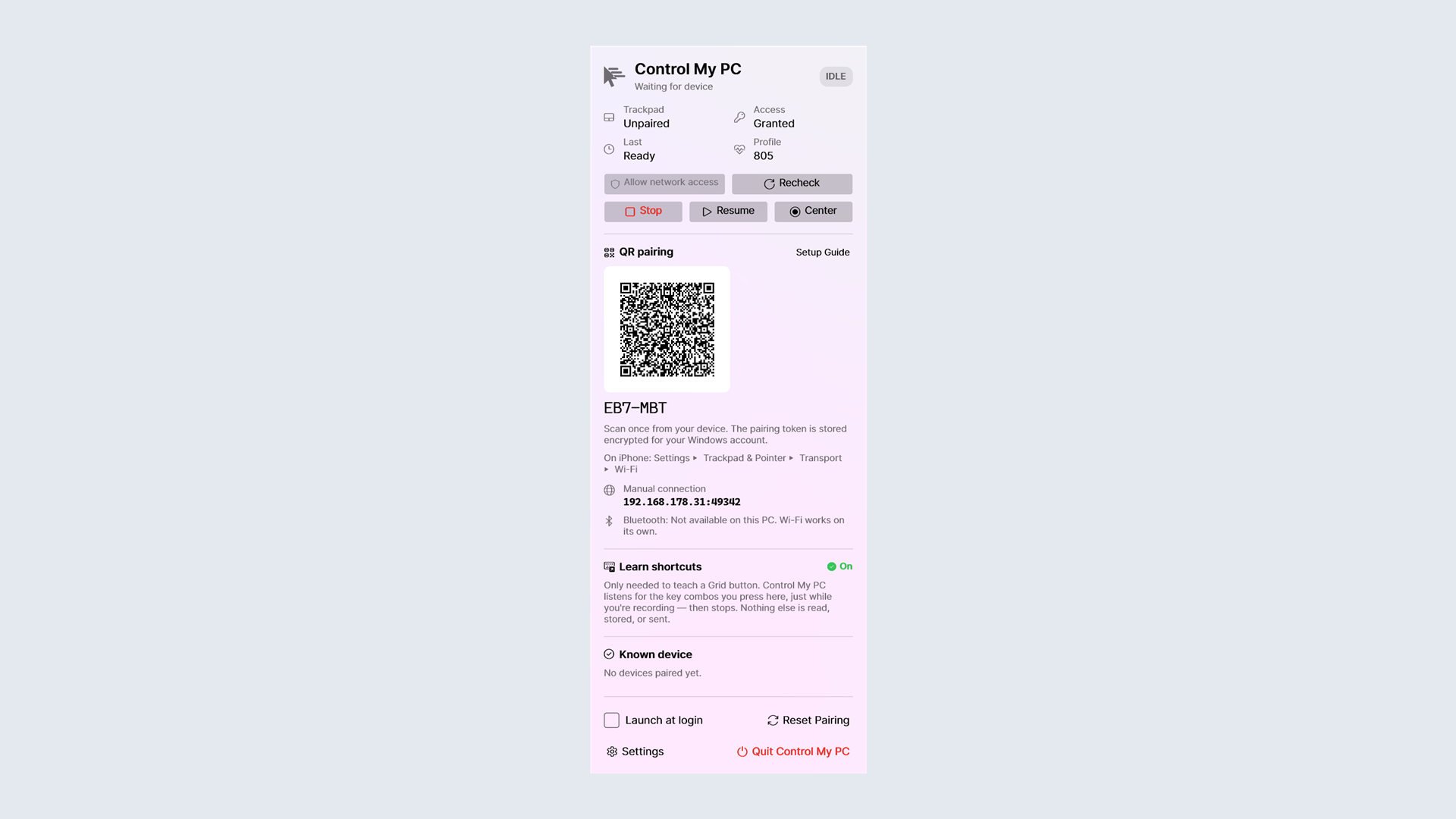
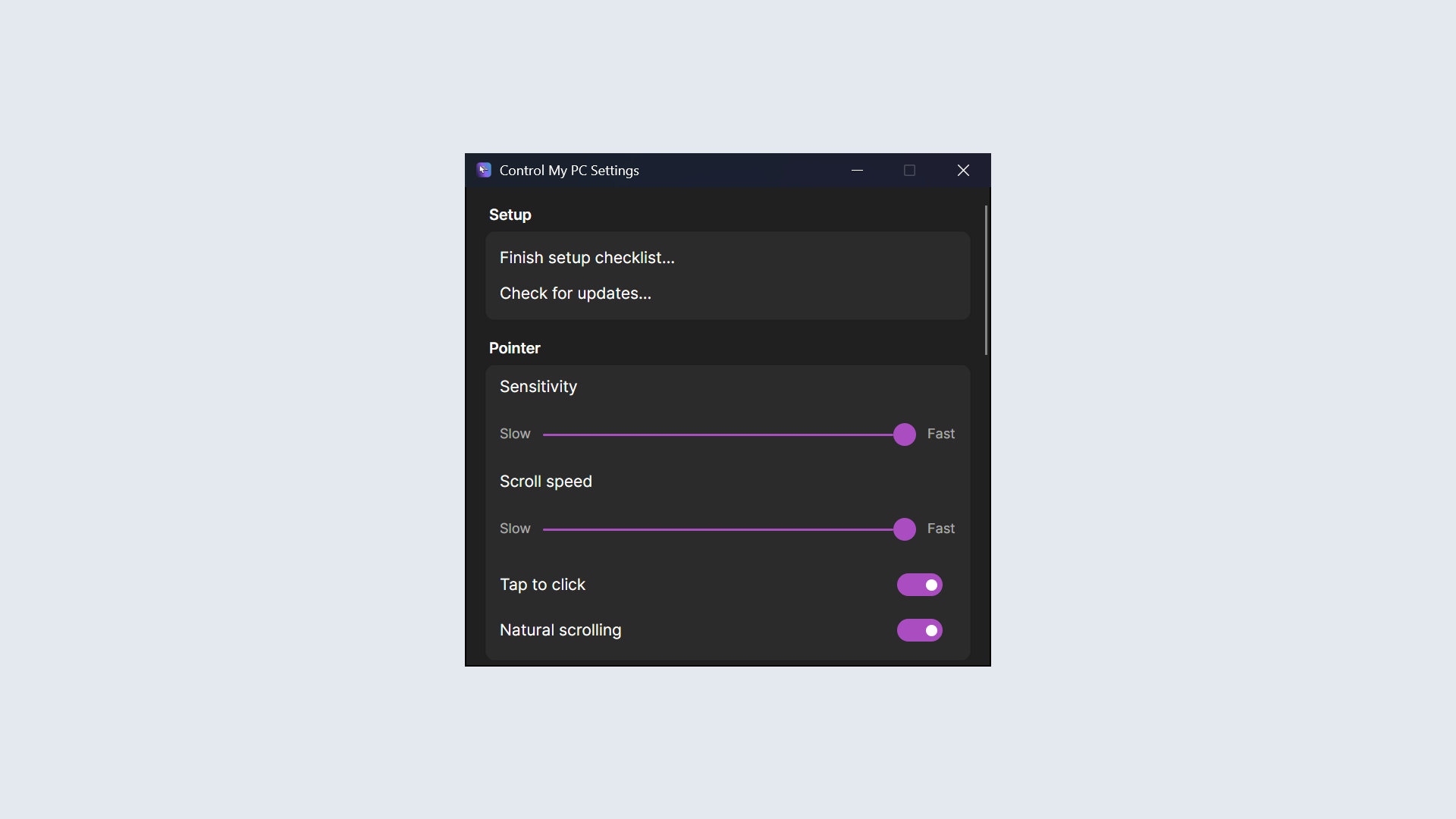
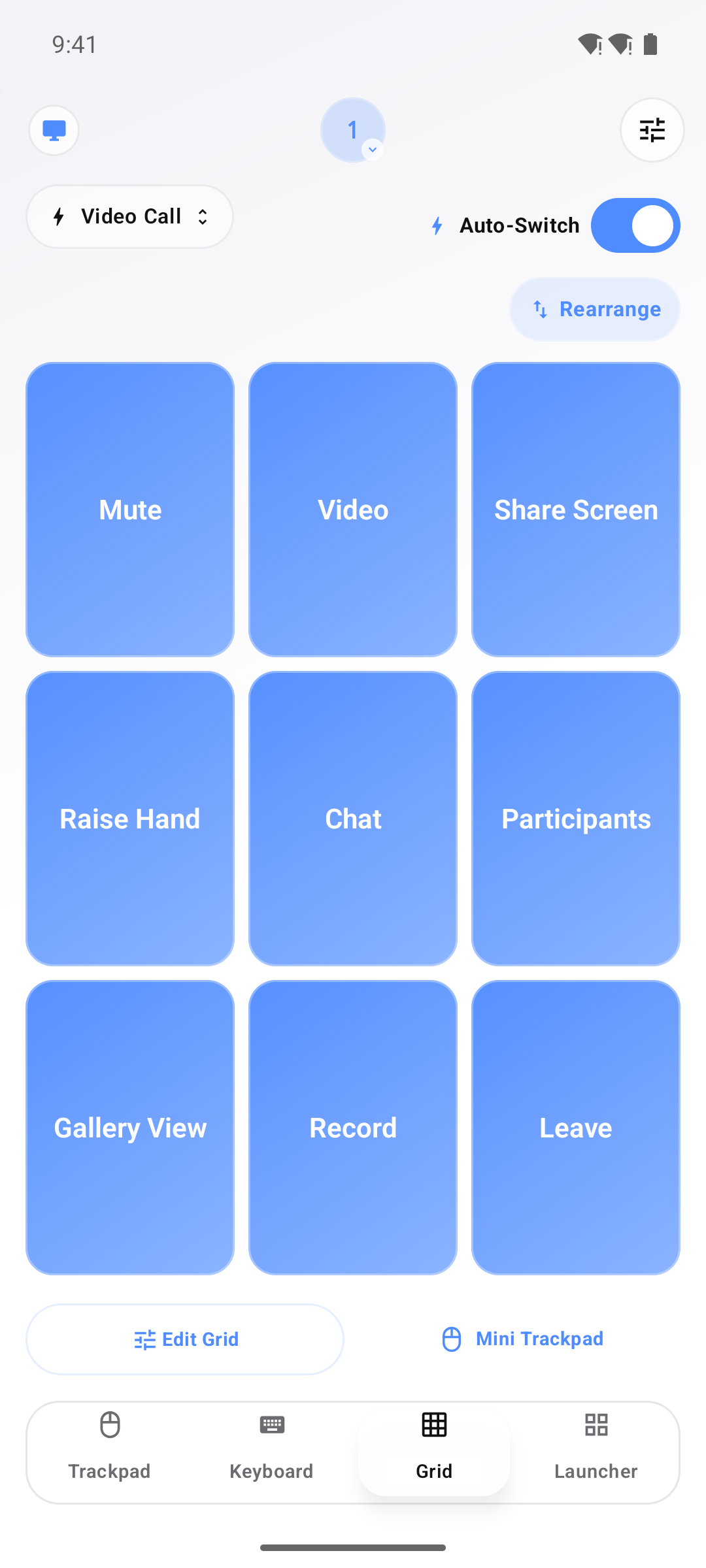
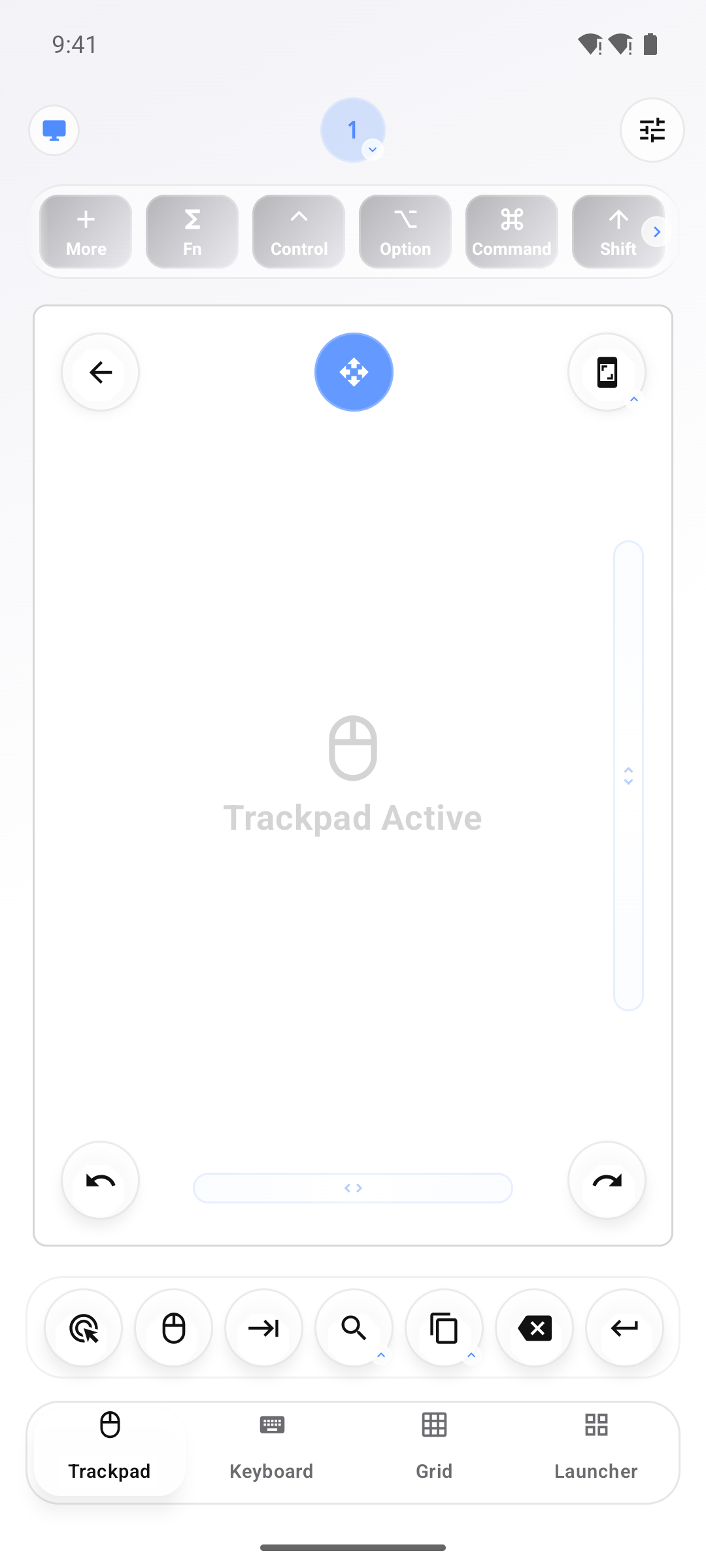
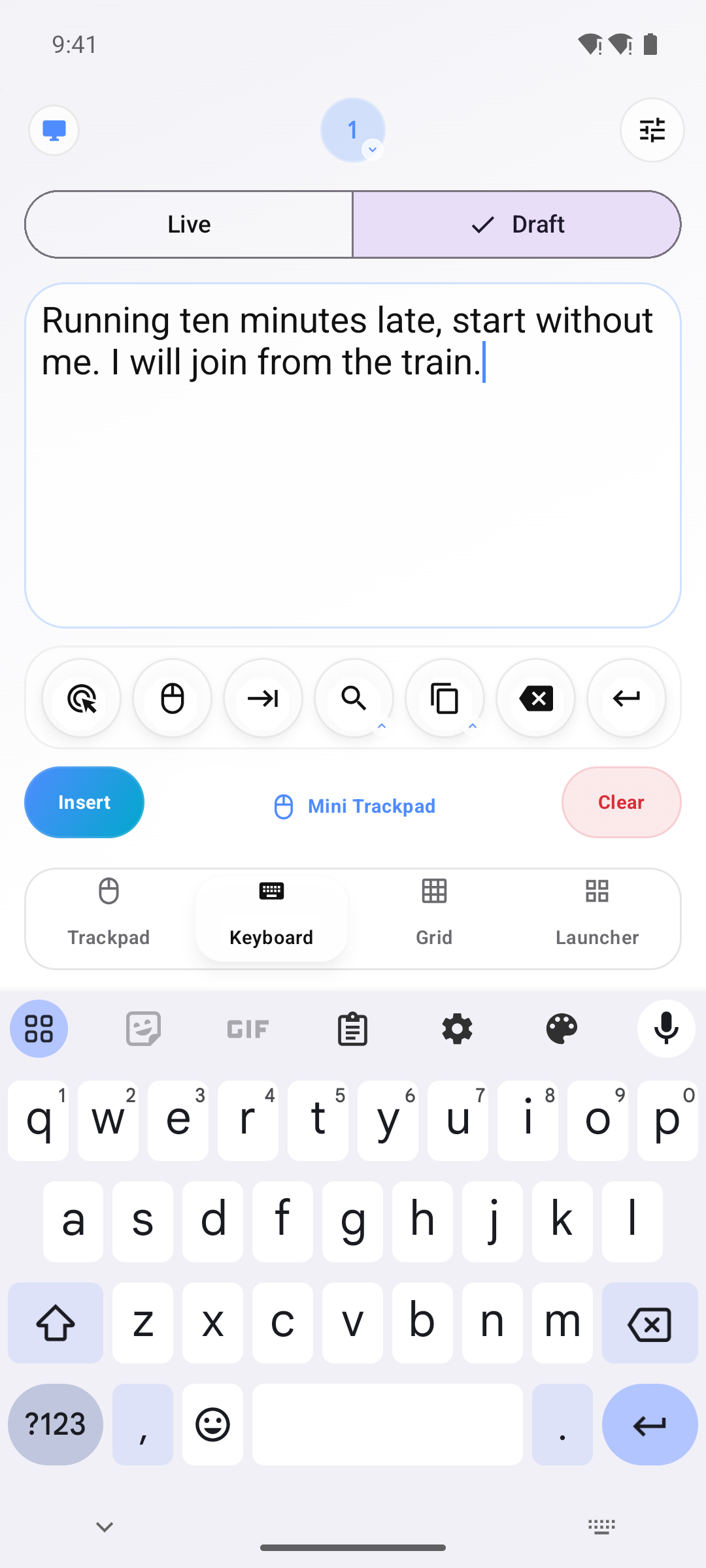
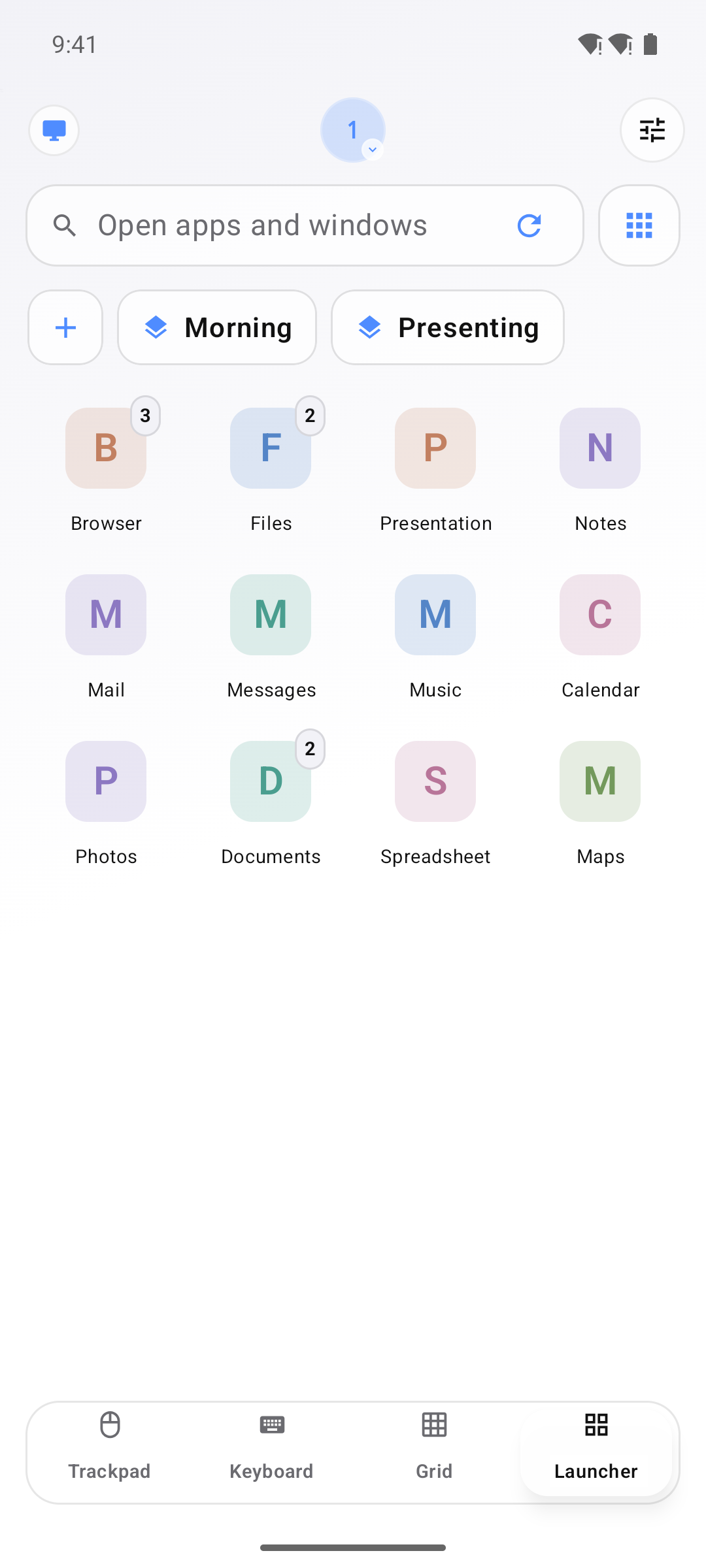
You may use these images in coverage of Control My PC. The Android screens were taken with a test computer connected.
Please don’t recolor, crop, stretch or add effects to the icon.
There is no separate wordmark. Write the name as Control My PC.

Sebastian Škoić is a solo app developer from Slovenia and the tech creator behind Sebs_Tech, with more than 30,000 followers across TikTok, Instagram and YouTube. He designed, built and ships Control My PC on his own: the Android app, the Windows app and the website, alongside its sister app Control My Mac.
Contact: support@controlmypc.app · Photo: JPG, 1080 × 1080, 243 KB
Questions, review access or anything missing from this page: Sebastian answers his own email.
Google Play and Android are trademarks of Google LLC. Windows is a trademark of the Microsoft group of companies. Control My PC is not affiliated with Google or Microsoft.
Facts checked on 7 November 2026.